ELD Cables: Log Book Cable Connector OBDII Cable For IOSIX
- Description
- Fitment & Compatibility
- Features & Installation
- Specifications
-
ELD Log Book OBDII Cable for IOSiX
The ELD Log Book OBDII Cable for IOSiX provides a convenient connection between compatible vehicle diagnostic ports and IOSiX electronic logging equipment. Designed for commercial vehicle applications, this cable helps connect IOSiX ELD hardware to vehicles using an OBD-II diagnostic port.
The cable features a 16-pin OBD-II connector on one end and a 9-pin heavy-duty diagnostic connector on the other, providing the connection required for compatible IOSiX ELD installations.
Its plug-and-play design allows for quick installation without cutting wires or modifying the vehicle's factory wiring. The cable is a practical replacement for a damaged or missing connection cable used with compatible IOSiX logbook and ELD systems.
Note: This product is a connection cable only. An IOSiX ELD device, software, subscription, or fleet management service is not included.
-
Vehicle & ELD Compatibility
The IOSiX OBDII Cable is designed for compatible commercial vehicles equipped with an OBD-II diagnostic connection and IOSiX ELD/logbook hardware that uses a 9-pin J1939-style connection.
Compatible Applications:
- ✓ IOSiX ELD and logbook systems
- ✓ Commercial trucks with compatible OBD-II diagnostic ports
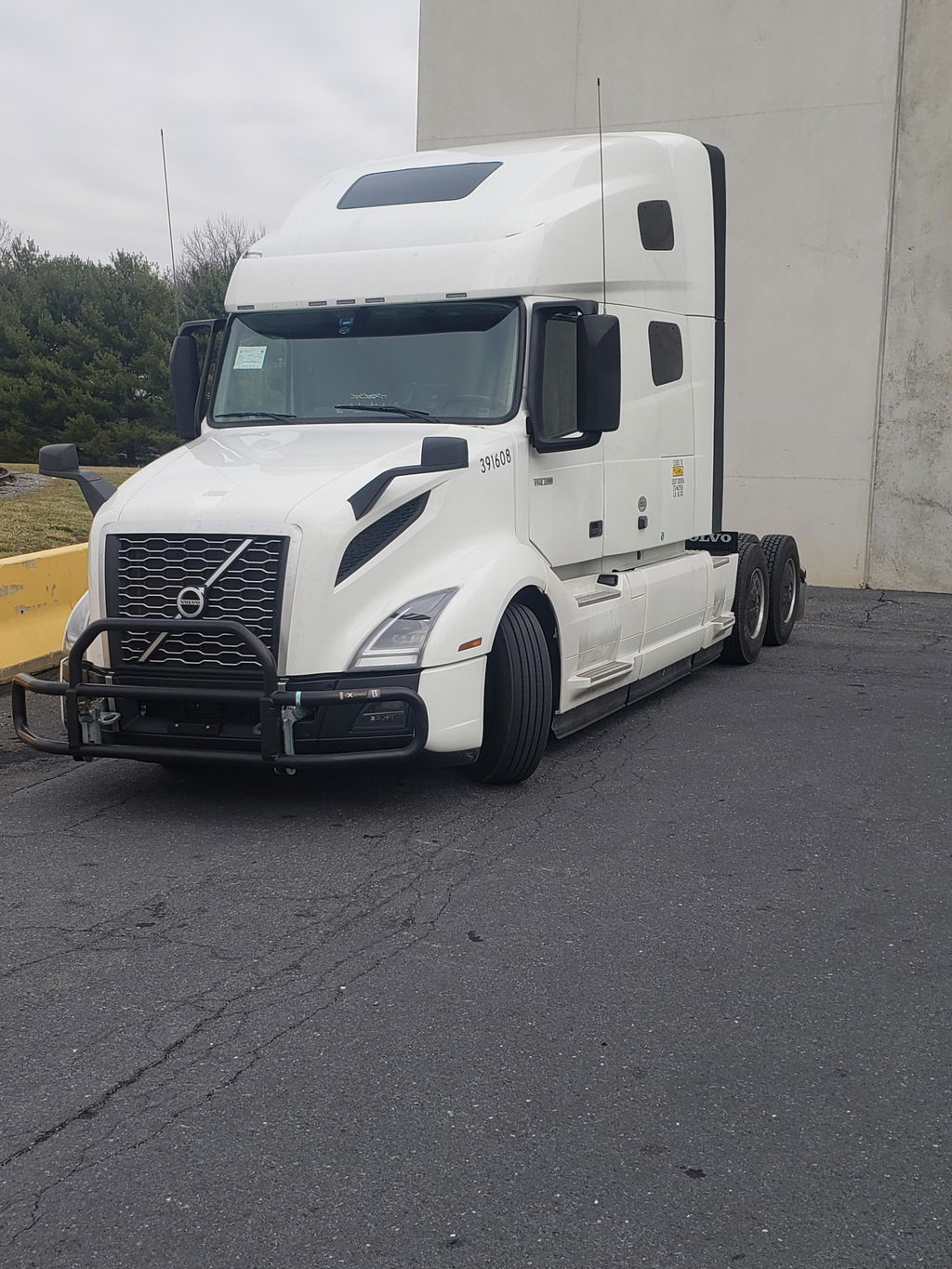
- ✓ Volvo trucks with compatible OBD-II diagnostic connections
- ✓ Mack trucks with compatible OBD-II diagnostic connections
- ✓ Other compatible vehicles using the required OBD-II-to-9-pin connection
Connector Configuration:
- Vehicle Side: 16-pin OBD-II / J1962 connector
- ELD Side: 9-pin J1939-style diagnostic connector
- Application: IOSiX ELD and logbook connection
Important: Vehicle and ELD compatibility can vary by truck make, model year, diagnostic system, and ELD hardware. Verify that your vehicle has the required OBD-II connection and that your IOSiX equipment uses the compatible 9-pin connection before ordering.
-
Key Features
- ✓ Designed for compatible IOSiX ELD and logbook systems
- ✓ 16-pin OBD-II / J1962 vehicle-side connector
- ✓ 9-pin J1939-style ELD-side connector
- ✓ Plug-and-play connection design
- ✓ No cutting or modification of factory wiring required
- ✓ Helps connect IOSiX ELD equipment to compatible vehicle diagnostic systems
- ✓ Suitable as a replacement for a damaged or missing cable
- ✓ Designed for commercial vehicle applications
Installation
- Locate the vehicle's compatible 16-pin OBD-II diagnostic port.
- Connect the OBD-II end of the cable securely to the vehicle diagnostic port.
- Connect the 9-pin end to the compatible IOSiX ELD or logbook hardware.
- Confirm that both connectors are fully seated before operating the vehicle.
Installation Note: Do not force either connector into a port. Confirm the connector type and vehicle compatibility before installation.
Package Includes
- 1 × IOSiX-compatible OBDII-to-9-Pin ELD Cable
ELD device, software, subscription, and other accessories are not included.
-
Product Specifications
- Product Type: ELD / Log Book Connection Cable
- Application: IOSiX ELD and logbook systems
- Vehicle Connector: 16-pin OBD-II / J1962
- ELD Connector: 9-pin J1939-style diagnostic connector
- Connection Type: OBD-II to 9-pin
- Installation: Plug and play
- Wiring Modification: Not required
- Primary Application: Commercial vehicle ELD / HOS logging equipment
- Package Quantity: 1 cable
Compatibility Notice
This cable is intended for use with compatible IOSiX ELD/logbook hardware and vehicles equipped with the required diagnostic connection. Connector appearance alone does not guarantee compatibility. Always verify the vehicle, model year, diagnostic port, and IOSiX ELD configuration before ordering.